How to Choose a Dell PowerEdge R760xa GPU Server?
Choosing a Dell PowerEdge R760xa GPU Server starts with the work it must perform, not a headline GPU count. Training, inference, rendering, and scientific computing place different demands on accelerators, memory, and storage. A configuration that excels at one task may waste budget on another. Start with real workload details: model size, data volume, expected users, and peak operating hours.
Check GPU compatibility and validated configurations against Dell’s current documentation. Then examine CPU capacity, memory channels, PCIe requirements, storage throughput, and network bandwidth as one system. Cooling and power matter, too. A dense GPU build needs suitable rack power, airflow, and room for service access. Small details count. A blocked intake or undersized network link can undermine expensive hardware. Compare warranty coverage, support response, and upgrade plans alongside purchase price. The lowest initial quote is not always the lowest operating cost.
This guide offers a practical way to weigh those trade-offs before selecting a Dell PowerEdge R760xa GPU Server. It explains which specifications deserve close attention and which depend on your workload. No checklist replaces testing with representative data. A spreadsheet can miss unexpected bottlenecks, and published performance claims may not match your software stack. That uncertainty deserves attention. Treat assumptions as questions to verify with an integrator or Dell representative, especially when evaluating GPU availability, power limits, and support options. The right choice is a balanced, supportable configuration—not simply the largest one that fits the rack.
Define Your GPU Workloads and Performance Requirements
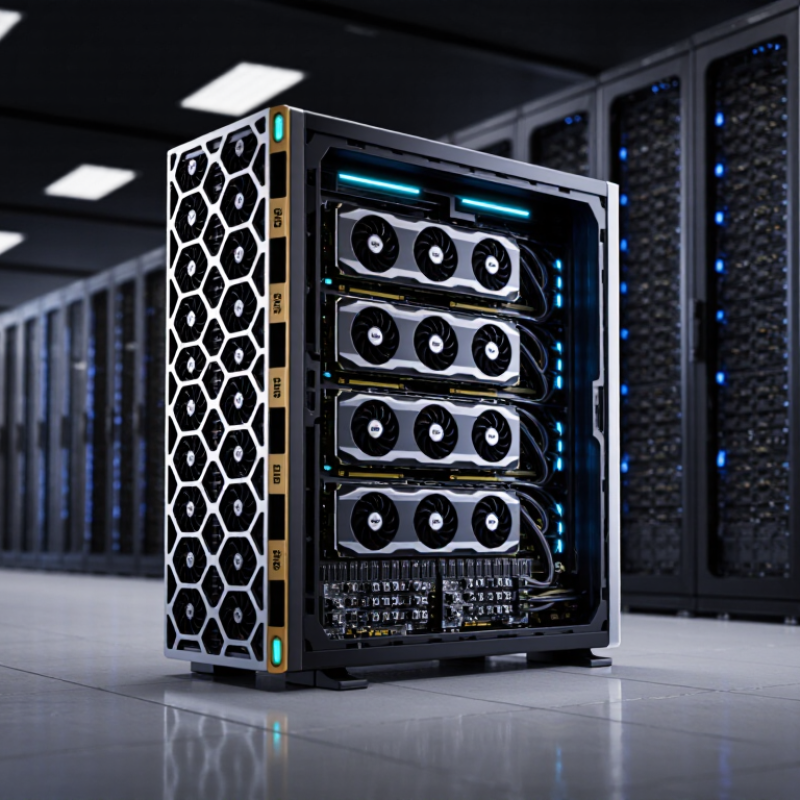
Map each job to a measurable target before choosing a GPU server. Model training may depend on accelerator memory, GPU-to-GPU communication, and sustained throughput. Inference often needs low response times at a defined request rate. That distinction matters. A model serving one request at a time can behave very differently from one processing batches of 32.
Record model size, input dimensions, batch size, dataset location, and expected hours of daily use. Then test a representative workload, not just a brief peak-speed benchmark. Measure end-to-end processing time, GPU memory use, utilization, and performance as the system runs longer. Measure, don’t guess. If data arrives slowly from storage or the network, additional GPUs may sit idle. If workloads run in parallel, check whether the server’s GPU layout and interconnect support efficient communication.
Set practical limits for power, cooling, noise, and future expansion. Compare results at realistic operating temperatures and with the software stack your team plans to use. A small test may not predict full-scale performance; that uncertainty deserves attention. Document the trade-offs, including cases where fewer GPUs or more memory per GPU may better fit the workload.
Check GPU Compatibility with the PowerEdge R760xa
Before selecting GPUs for an R760xa-class platform, verify the exact system configuration against its supported-GPU matrix. Check card length, height, slot width, power connectors, and thermal limits; a card that fits physically may still block an adjacent slot or exceed the chassis power budget. PCI-SIG’s PCI Express 5.0 specification supports 32 GT/s per lane, or roughly 64 GB/s per direction over an x16 link. Confirm the GPU and riser can use the intended lane width. IDC projects worldwide AI spending will reach $632 billion by 2028, but rising demand does not make every accelerator suitable for every server.
Review the approved combinations of GPU count, CPU, memory, risers, and power supplies. Then check workload requirements: training may benefit from multiple high-bandwidth accelerators, while inference may need fewer cards and more memory per GPU. Measure inlet temperature and fan behavior under sustained load, not only during a brief boot test. I would not treat a successful boot as proof of stable operation; that assumption is easy to make, and worth challenging.
Tips: Compare the GPU’s peak board power with the server’s supported configuration. Leave clearance for airflow, confirm driver support, and run a sustained workload test before deployment. Record temperatures and throttling events. A tidy installation can still run too hot.
How to Choose a GPU for a High-Density Server? — Check GPU Compatibility
Connector ratings show how much power each standard can deliver: a PCIe slot and a 6-pin connector provide up to 75 W each, an 8-pin connector up to 150 W, and a 12VHPWR connector up to 600 W. These are standard limits, not a guarantee that a particular server supports a GPU. Check card dimensions, supported cabling, total power budget, and cooling before selecting a GPU.
Select CPUs, Memory, Storage, and Networking
Choose CPUs around the work, not the GPU count alone. Large-batch training benefits from strong memory bandwidth and enough CPU threads to feed accelerators. Inference, data preparation, and virtualization may need different core counts. IDC’s 2024 forecast projected worldwide AI spending would reach $632 billion by 2028, underscoring the range of workloads a server may face. Measure the workload. Then check whether its data pipeline can keep every accelerator busy.
Memory capacity matters as much as processor speed. Leave room for datasets, caching, and concurrent jobs; a system that swaps to storage can waste expensive GPU time. I would not treat any fixed CPU-to-GPU or memory-to-GPU ratio as a rule. It depends on model size and batch behavior. Keep headroom. For storage, use fast local NVMe for active datasets and checkpoints, while separating long-term capacity needs. Test real read and write patterns before choosing drive count.
Networking should match the data path, not just the port label. Check bandwidth, latency, switch capacity, and the number of servers sharing each link. The 2024 Uptime Institute Global Data Center Survey reported that 54% of respondents’ most recent significant outages cost more than $100,000. That figure is not a sizing guide, but it supports careful review of power, cooling, and network resilience. A paper specification can still disappoint. Validate the configuration with representative jobs and monitor utilization after deployment.
Plan for Power, Cooling, Rack Space, and Software
A GPU server needs more than a suitable processor and accelerator cards. Start with the exact configuration and its rated power draw; estimates based on a different card count can be misleading. Check whether the rack’s circuits can handle sustained load, not just brief peaks. Leave room for other equipment on the same circuit. A spreadsheet helps, but its assumptions need checking.
Heat leaves the rack quickly—or it becomes a problem. Confirm the room’s cooling capacity and the server’s required airflow direction before installation. Keep front and rear paths clear, and avoid placing exhaust directly into another system’s intake. Small details matter. Dusty filters and tangled cables can restrict airflow. If the room runs warm during busy hours, plan around that, not the thermostat’s quietest reading.
Measure rack depth, usable rack units, and the weight the rails must support. Verify these against the server’s installation guide and the cabinet’s limits. Then plan software: confirm operating-system support, accelerator drivers, firmware compatibility, and monitoring tools before deployment. Test a representative workload, including updates and recovery steps. This takes time. It may still expose gaps; that is useful to know before production begins.
Verify Support, Scalability, and Configuration Details
Choosing a 2U GPU server starts with proving that the intended configuration is supported. Check the system’s current compatibility guide for each accelerator, riser, network card, and drive combination. Confirm card dimensions, slot placement, power limits, and required firmware; a part fitting physically does not guarantee a supported configuration. Also verify the warranty and service terms for the complete build, not just the base chassis.
Tips: Ask for a written bill of materials and a tested configuration reference. Match the power-supply capacity to the planned GPUs, CPUs, memory, and drives. Berkeley Lab’s 2024 United States Data Center Energy Usage Report estimates U.S. data-center electricity use could reach 325–580 TWh in 2028. That makes rack power and cooling checks practical necessities, not paperwork.
Plan for growth without assuming every upgrade is simple. Check available slots, memory capacity, drive bays, network bandwidth, and rack power before ordering. Request a thermal and power review at sustained GPU load, and confirm whether future cards require different cabling or cooling. Leave headroom. I would also test a representative workload before buying several identical systems; published specifications cannot reveal every airflow or application bottleneck. Keep a record of firmware versions and configuration changes, since small differences can complicate support later.